Adding debounce to your Roblox scripts is a game-changer for developers seeking smoother, more reliable game experiences. This essential technique prevents rapid, unintended event triggers, which often lead to glitches, performance issues, or even exploitable behaviors in your Roblox creations. Whether you're handling player clicks, tool activations, or UI interactions, understanding and implementing a proper debounce mechanism ensures that actions execute only when intended. It's crucial for creating polished games that keep players engaged and minimize frustrating bugs. Learn how to easily integrate this powerful scripting solution into your Roblox projects, enhancing both security and user experience. Dive into practical examples and straightforward explanations that demystify the process, making your games more robust and enjoyable for everyone. Adding debounce roblox is a vital skill.
What is a debounce script in Roblox?
A debounce script in Roblox introduces a temporary cooldown after an event fires, preventing it from triggering again too quickly. This vital technique ensures that actions like button clicks or tool uses are processed deliberately, avoiding spamming, glitches, and unintended repetitions. It makes your game more stable and responsive, crucial for creating reliable Roblox experiences for players everywhere.
How do you add debounce to a button in Roblox?
To add debounce to a Roblox button, declare a boolean variable, such as `local canClick = true`. In the button's `MouseButton1Click` event, first check `if canClick then`. Inside this conditional, set `canClick = false`, execute your button's logic, then use `task.wait(cooldownDuration)` before setting `canClick = true` again. This prevents rapid successive clicks.
Why is debouncing important for Roblox games?
Debouncing is important for Roblox games because it significantly enhances performance, prevents exploits, and improves overall player experience. Without it, rapid inputs can lead to game-breaking glitches, server strain, and frustrating unresponsive behaviors. Debounce ensures your game responds predictably and smoothly, making interactions feel polished and intentional, which is vital for engaging gameplay.
Can debounce prevent exploits in Roblox?
Yes, debounce can act as a basic but effective layer in preventing certain exploits in Roblox. By limiting how frequently a client can fire remote events to the server, it thwarts spamming attacks that could overload game logic or trigger abilities too often. While not a complete security solution, it prevents many common rapid-fire exploitation attempts, maintaining fair gameplay.
What is the typical cooldown duration for a Roblox debounce?
The typical cooldown duration for a Roblox debounce varies depending on the specific event. For UI clicks, often 0.2 to 0.5 seconds is sufficient to prevent spam. For tool activations or character abilities, it might range from 0.5 to 2 seconds or more, aligning with animation or gameplay balance. Choose a duration that feels natural and prevents unintended rapid actions.
Where else should I use debounce in Roblox development?
You should use debounce in Roblox development for any interaction prone to rapid, unintended triggers. This includes `Touched` events on parts (e.g., teleporters, damage zones), whenever players use tools or abilities, and especially when handling client-to-server communication via `RemoteEvents` to prevent network spam. It applies to nearly all interactive elements for robust game design.
Adding debounce in Roblox is a critical scripting technique empowering developers to manage event triggers effectively. It prevents actions from firing too rapidly, ensuring a smoother, more reliable gameplay experience for everyone. When a player clicks a button or uses a tool, debounce strategically pauses subsequent events for a brief period. This simple yet powerful method enhances game performance, prevents common bugs, and builds more stable, professional Roblox environments. Understanding how and why to implement debounce is fundamental for creating engaging and high-quality Roblox games in 2026.
Understanding adding debounce Roblox is crucial for any serious game developer. Imagine a player rapidly clicking a button; without debounce, your game might register hundreds of clicks in seconds. This can lead to lag, broken mechanics, or even security vulnerabilities. Debounce acts as a gatekeeper, allowing an event to pass, then temporarily closing that gate to prevent immediate re-triggering. This ensures your game responds precisely as intended, not overwhelmed by frantic player input.
The Core Idea Behind Adding Debounce Roblox
The concept of adding debounce Roblox is straightforward: prevent an action from occurring again for a short, specified cooldown period after its initial activation. This pause helps your game process events correctly. It stops a single rapid action from accidentally triggering multiple effects. For instance, a player picking up an item should only do so once per click, not five times because their mouse twitched.
Why Adding Debounce Roblox is a Game-Changer
Implementing debounce significantly boosts your game's stability and player experience. It addresses issues like 'spam clicking' which can cause unintended behavior or server strain. With debounce, your scripts become more resilient and predictable. Players enjoy a smoother interaction, free from frustrating glitches caused by overactive event triggers. This small code change makes a huge difference in game quality and developer peace of mind.
Practical Scenarios for Adding Debounce Roblox
Debounce finds its utility in countless Roblox scenarios. Consider tool usage where players might rapidly equip and unequip an item. A debounce prevents animation glitches or accidental double-activations. For UI buttons, it stops multiple menu openings with one rapid click. Every interactive element in your game benefits from a thoughtful debounce implementation, ensuring each action feels intentional and polished. This includes doors, power-ups, and chat commands.
Table: Common Uses for Adding Debounce Roblox
| Roblox Feature | Benefit of Debounce | Example Scenario |
|---|---|---|
| UI Buttons | Prevents multiple clicks activating an action repeatedly. | Opening a shop, initiating a quest, joining a game. |
| Tool Usage | Ensures tool ability triggers once per activation. | Sword swings, magic spells, healing potions. |
| Part Touched Events | Stops continuous triggering when player stands on a part. | Teleporters, damage zones, item pickups. |
| Remote Events/Functions | Mitigates spamming server calls from clients. | Custom chat commands, ability activation requests. |
What Others Are Asking About Adding Debounce Roblox?
What is debounce in Roblox scripting?
Debounce in Roblox scripting is a technique to prevent an event or function from being called too frequently within a short period. It acts as a cooldown, ensuring that once an action occurs, it cannot be immediately re-triggered. This prevents spamming and unintended rapid repetitions, making game logic more stable and predictable for players across all Roblox experiences.
Why is adding debounce important in Roblox?
Adding debounce is important in Roblox because it significantly improves game stability, prevents unintended actions, and enhances player experience. Without it, rapid inputs can cause glitches, exploit vulnerabilities, or overload server resources. Debounce ensures actions fire deliberately, leading to smoother interactions and a more polished game. It is a fundamental practice for reliable Roblox development.
How do you add a debounce to a Roblox script?
You add a debounce to a Roblox script by using a boolean variable, typically named 'canFire' or 'cooldown'. Initialize it to true. When the event triggers, check if 'canFire' is true. If so, set 'canFire' to false, perform the action, wait a set duration (e.g., using task.wait()), then set 'canFire' back to true. This creates the necessary cooldown for adding debounce Roblox.
What are examples of debounce in Roblox?
Common examples of adding debounce Roblox include preventing rapid clicks on UI buttons from opening multiple windows, stopping a 'touched' event on a part from continuously damaging a player, or ensuring a tool's ability only activates once per click. It's also vital for preventing players from spamming server-side events, maintaining game integrity and performance.
What happens if you don't use debounce in Roblox?
If you don't use debounce in Roblox, your game can suffer from numerous issues. Players might exploit rapid actions, causing glitches like infinite money or item duplication. Performance can degrade due to excessive event processing, leading to lag. Player experience also diminishes with unresponsive or buggy interactions, making the game less enjoyable and often frustrating. Adding debounce Roblox prevents these problems.
Is debounce client-side or server-side Roblox?
Debounce can be implemented on both the client-side and server-side in Roblox, depending on the specific event. Client-side debounce improves responsiveness for the player, preventing visual spam. Server-side debounce is critical for security and game integrity, preventing exploits and ensuring server resources aren't overloaded by malicious or accidental rapid client requests. Many systems benefit from both.
FAQ: Adding Debounce Roblox Explained
What is the purpose of adding debounce Roblox?
The purpose of adding debounce Roblox is to control the rate at which events or functions can execute. It introduces a temporary cooldown after an action, preventing it from being triggered again too quickly. This ensures intentional actions and avoids issues like spamming, lag, and unintended game behavior. It keeps your game running smoothly.
Who benefits from adding debounce Roblox?
Both developers and players benefit from adding debounce Roblox. Developers gain more control over game logic and reduce bug reports. Players enjoy a much smoother, more predictable, and less frustrating experience. It helps create a professional and high-quality game environment that everyone can appreciate, making interactions feel polished.
Why is it necessary to debounce Roblox events?
It is necessary to debounce Roblox events to maintain game integrity and performance. Without debounce, rapid player inputs or environmental triggers can lead to exploits, server strain, and broken game mechanics. Debouncing ensures that each action is processed correctly and individually, preventing chaos and enhancing overall game stability. It is a critical development practice.
How does adding debounce Roblox improve game security?
Adding debounce Roblox improves game security by preventing players from spamming remote events or functions, which can be exploited to gain an unfair advantage or crash the server. By limiting the rate of these crucial interactions, debounce acts as a basic anti-exploit measure, safeguarding your game's integrity and fair play for all users. It secures your systems.
Where should I apply debounce when developing for Roblox?
You should apply debounce in Roblox wherever a rapid, repeated action could cause problems. This includes UI button clicks, tool activations, character ability uses, 'touched' events on parts, and any client-to-server communication via RemoteEvents. Anywhere an event might fire too quickly warrants consideration for adding debounce Roblox to ensure control.
Summary of Adding Debounce Roblox
Adding debounce Roblox is an indispensable technique for creating polished, stable, and secure games. It's about introducing strategic cooldowns to event triggers, preventing unintended rapid activations. From smoother UI interactions to robust tool mechanics, debounce enhances player experience and guards against common exploits. Mastering this simple yet powerful scripting concept elevates your Roblox development, ensuring your creations run flawlessly and deliver lasting enjoyment. Embrace debounce to build better games.
Prevents event spamming in Roblox, improves game stability, essential for UI and tool interactions, reduces lag, enhances player experience, easy to implement in Lua, crucial for Roblox game development.
34


How To Make A Cooldown With Debounce Roblox Studio YouTube . How To Use Debounce In Roblox Studio YouTube . WHAT IS DEBOUNCE Roblox Lua Script YouTube . Debounce Dedz Programando No Roblox YouTube . TUTORIEL DEBOUNCE ROBLOX YouTube



How To Use Debounce Roblox Beginner Tutorial YouTube . How To Debounce In Roblox YouTube . Cooldowns The Ultimate Cooldown Debounce Management Module System 2 690x465 . How To Add Debounce On Roblox Full Guide YouTube . Help With Adding Debounce To Spawning Cars Page 3 Scripting
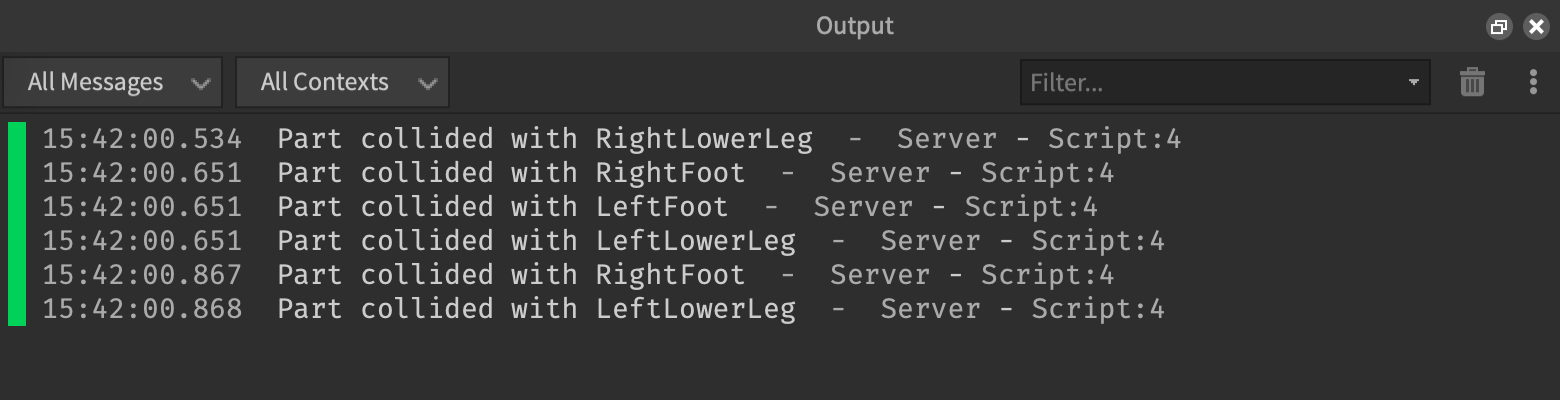



Debounce Patterns Roblox Creator Hub Touched Event No Debounce . How To Add People Roblox Easily Your 2026 Guide . Debounce Not Working Roblox Ts Post. Debounce Being Completely Ignored Scripting Support Developer Forum . How To Update Roblox In 2026 Fix Error Code 280 On PC Mobile Xbox Roblox Update It.webp




What Is RDC In Roblox Roblox Developer Conference 2026 Release Date Roblox At GDC .webp. Script Ignores The Delay I Placed Calling The Function To Work . Is Roblox Getting Shut Down In 2026 The Real Truth Behind All Those Is Roblox Getting Shut Down In 2026 768x512 . How To Message On Roblox 2026 A Quick Guide . Roblox En 2026 Juega En Roblox NoFilter


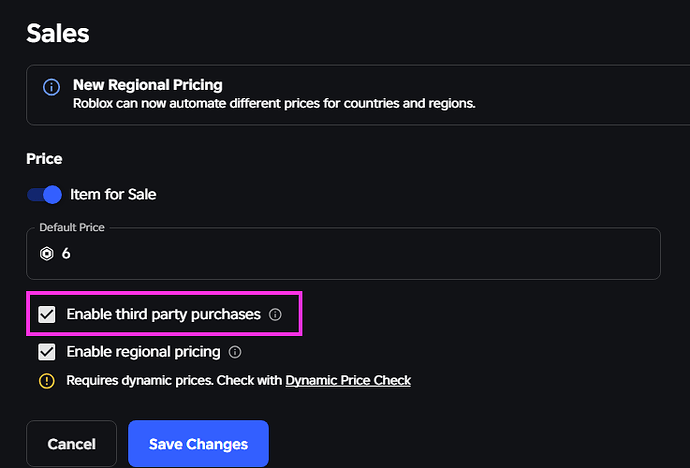
A Mother Or Father S Information To Utilizing Roblox In 2026 Ivugangingo 2026 Parental Guide For Roblox Usage UnicMinds . How Would I Make A Sword Debounce Scripting Support Developer . 2026 Chat Replica Creations Feedback Developer Forum Roblox . Help With Adding Debounce To Spawning Cars Page 2 Scripting . Weekly Recap May 4 8 2026 Developer Forum Roblox 2 690x468
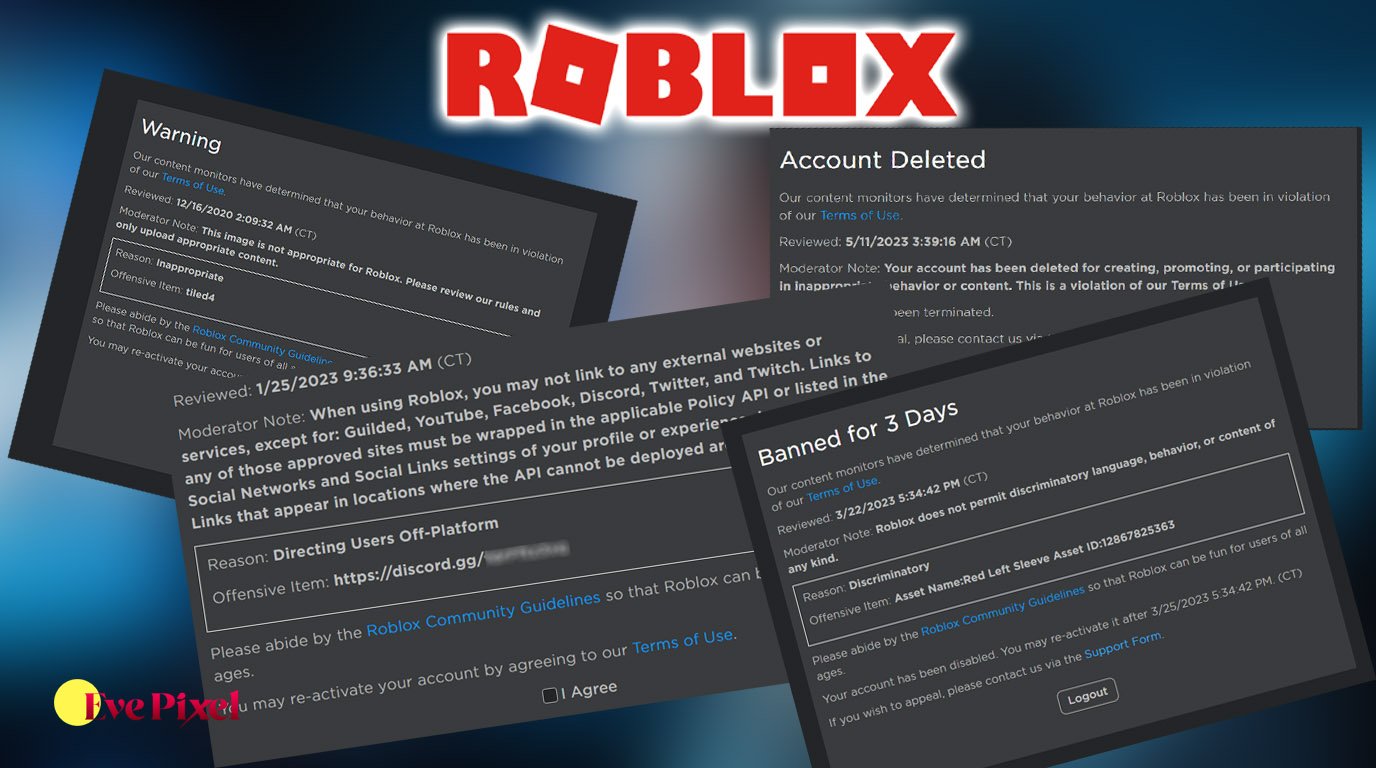



Roblox Moderation System Changes Impact 2026 Roblox Moderation System Changes Impact 2026 . Guide How To Sit On Roblox Like A Pro In 2026 TM 07169 Definitive Guide To Roblox 2026 . Roblox Kodlar 2026 Promo G Ncel Liste Ve Ba Lang Rehberi EnG Zel Roblox Kodlari 2026 1024x687 . Roblox R6 Explained What Does It Really Mean Oar2 . How To Get Trusted Connections In Roblox 2026 Full Tutorial Roblox Trusted


How To Publish A Game On Roblox In 2026 Roblox YouTube . Can T Get Debounce To Work For Kill Effect With Classic Sword 2 690x351 . How To Message On Roblox 2026 A Quick Guide . Debounce Not Working Scripting Support Developer Forum Roblox